
A dental lab troubleshooting guide helps clinics and laboratories identify why a digital case is difficult to review or manufacture, then correct the cause before production. Common issues include incomplete scans, unclear design instructions, unsuitable file handoffs, and mismatches between the intended restoration and its digital design. A consistent review process makes these problems easier to isolate, communicate, and resolve without treating every case as a software failure.
What a Dental Lab Troubleshooting Guide Covers
A dental lab troubleshooting guide is a structured method for diagnosing problems across a digital restoration workflow, from case submission through design review and manufacturing handoff. It is not a specific software tool: it helps the clinical team and design partner determine which input, instruction, design decision, or production step needs attention.
Understand the workflow architecture
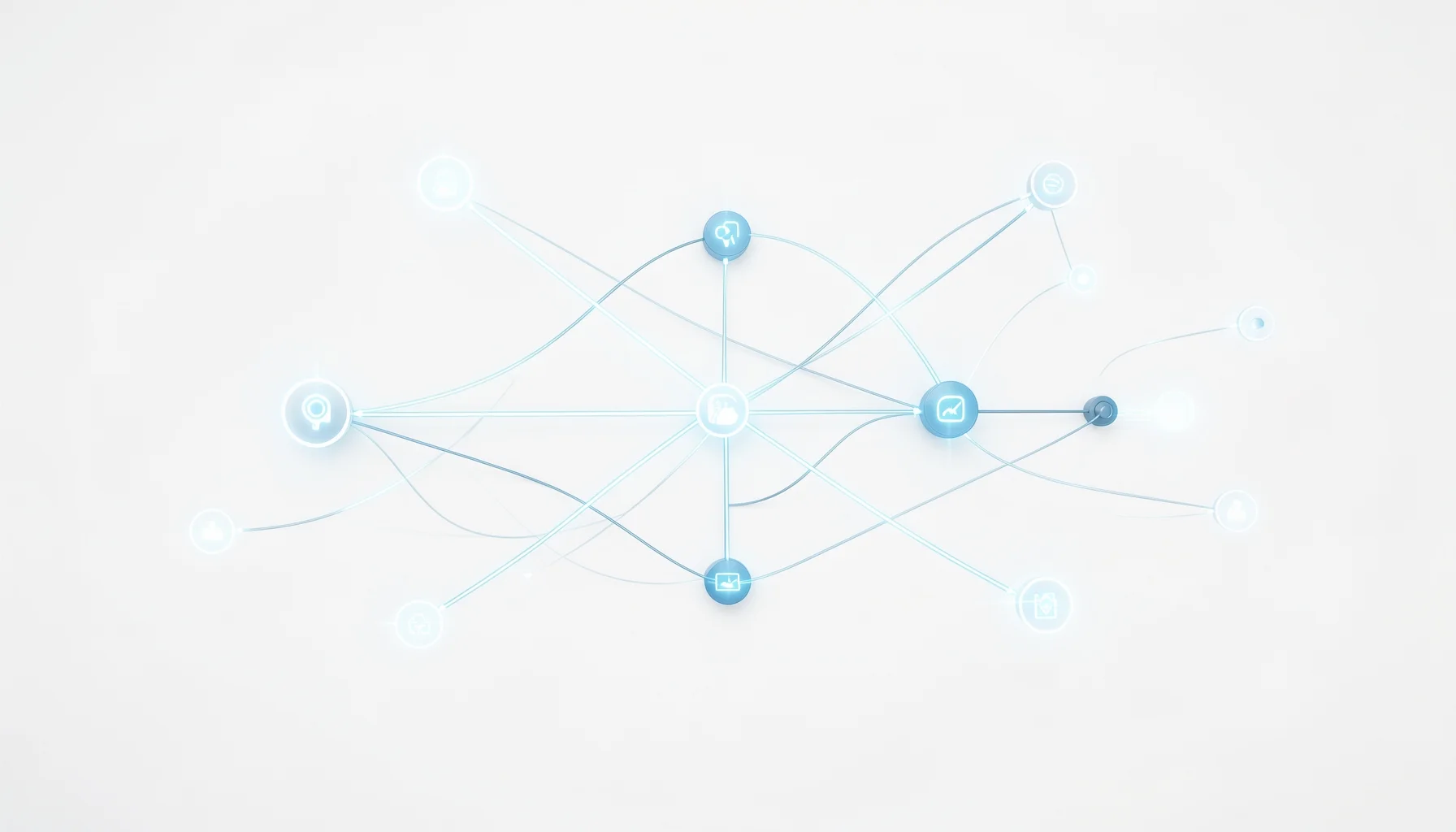
Digital outsourcing connects separate stages that may be handled by different teams. A clinic or laboratory captures and submits case data, a dental design team interprets the scan and instructions, and the client receives files for its own production equipment. A problem at one stage can appear later as a design or manufacturing issue, so troubleshooting should trace the case back to its source.
Vietnam Dental Lab (VNDL), based in Ho Chi Minh City, is a B2B digital dental laboratory and outsourcing service provider—not a CAD/CAM application. Its services include crown and bridge design, guided implant surgery planning, All-on-X design, clear aligner design, and Digital Smile Design. For restorative cases, its technicians work from the submitted scans and design guide, then return editable VNDL Design files and STL files for the client’s manufacturing workflow.
That distinction matters. A design file can be delivered correctly while still requiring the client to verify that it suits its specific production setup. Troubleshooting therefore involves both the design handoff and the downstream manufacturing process, rather than assuming that every issue originates in the design itself.
Separate symptoms from causes
The visible symptom is not always the root cause. For example, a restoration that does not fit as expected may prompt a design change, but the team should first verify the scan, preparation data, margin visibility, and case instructions. Changing geometry before checking those inputs risks correcting the wrong problem.
A practical diagnostic sequence asks:
- What was expected? Identify the prescribed restoration, design intent, and required output.
- What was received? Check the submitted files, instructions, and returned design files.
- Where does the mismatch first appear? Compare the scan, design review, and manufacturing result.
- What evidence supports the diagnosis? Use annotated screenshots, scan views, or a clear description rather than a vague request to “fix the fit.”
Alex, Lead Digital Dentistry Strategist and Technical Consultant, recommends treating each issue as a traceable handoff question: what information did the next person need, and was it present in a form they could act on? That approach encourages precise collaboration instead of blame.
Technical Checks Before Changing a Design
Reliable troubleshooting begins with verification of the submitted data and the intended handoff. A short technical audit can help determine whether the next step is to clarify the case, request a revised design, or investigate the client’s manufacturing process.
Use a consistent case-review matrix
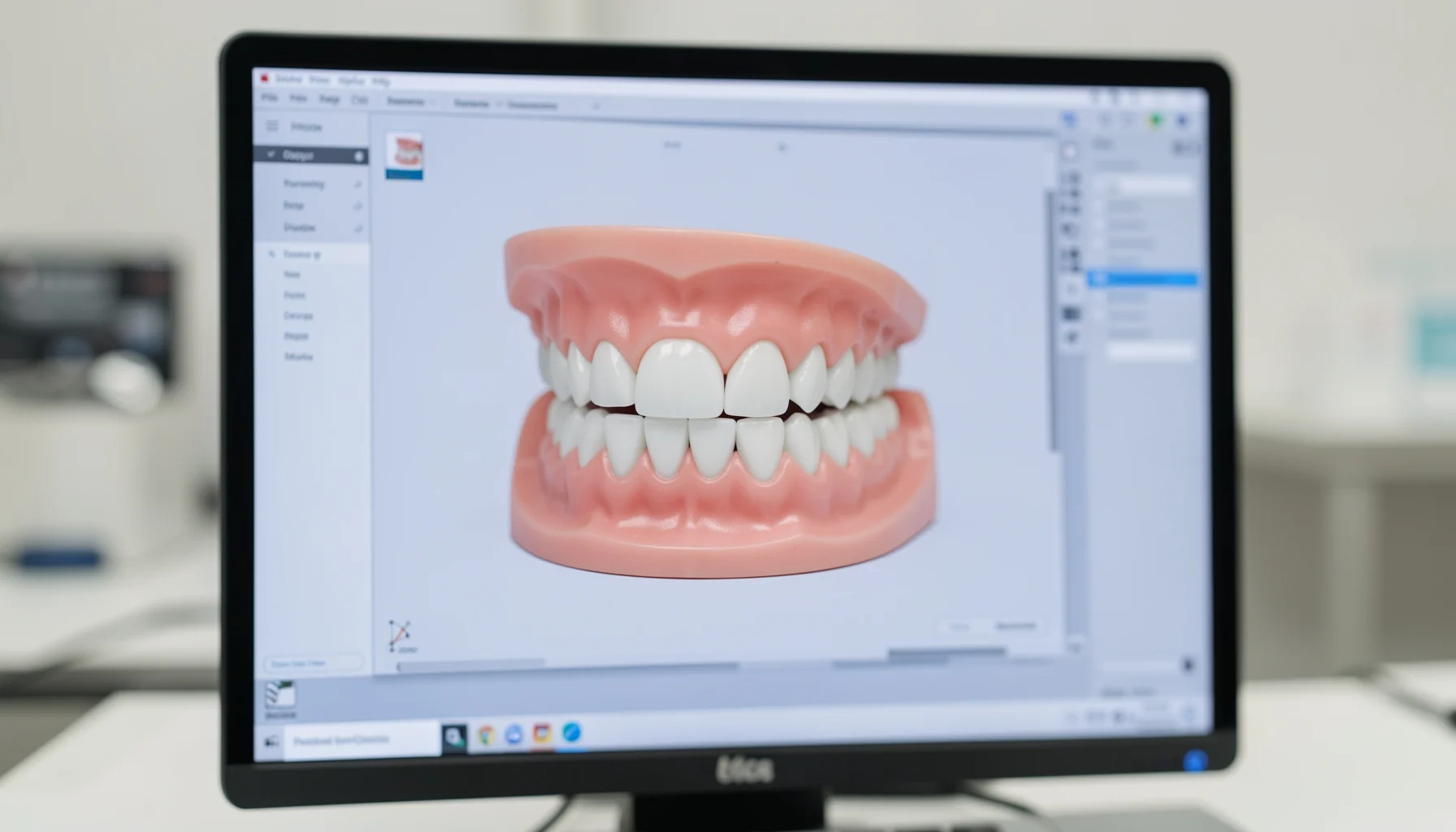
The checks below are workflow controls, not claims about a particular scanner, CAD application, or milling system. They help teams compare what was sent with what was returned and identify where additional information is needed.
| Workflow checkpoint | What to verify | Practical troubleshooting response |
|---|---|---|
| Case identity | Patient or case reference is consistent across the submission and review | Confirm the correct case before discussing design changes |
| Scan submission | Required intraoral scans or digital impressions are present and open correctly | Resubmit missing or unusable data; identify the affected area |
| Design instructions | Restoration type, design intent, and relevant guides are clearly stated | Clarify the instruction and attach a marked-up reference if needed |
| Design tier | Standard or LUCID premium design is specified when relevant | Confirm the selected service matches the case’s aesthetic requirements |
| Returned files | Editable VNDL Design files and STL files are included as expected | Identify the missing format and request the appropriate file |
| Design review | The returned design corresponds to the submitted case and instructions | Compare the intended anatomy and margins with the review evidence |
| Production handoff | The client has selected the intended file for its own milling or 3D-printing workflow | Check the file choice and local production setup before requesting redesign |
| Revision communication | Each requested change identifies a location and desired outcome | Send a focused revision request rather than a general rejection |
Interpret the file handoff correctly
An STL file is a manufacturing-ready mesh format used in digital production workflows, while the editable VNDL Design file supports continued review or design work in the relevant workflow. The two outputs serve different purposes; receiving one does not automatically mean the other is unnecessary. Confirm which format is needed for the next action before diagnosing a file problem.
Likewise, “ready for production” describes the delivered files’ intended use. It does not remove the client’s responsibility to check compatibility with its own equipment and production process. If an STL appears different after import, first confirm that the correct case and file were opened and that the downstream workflow handled the file as intended.
For multi-unit, implant-retained, or high-aesthetic cases, avoid relying on an ambiguous email description as the sole design guide. State the restoration type, attach the relevant scans, and specify what the reviewer should evaluate. When expectations are explicit, the team can distinguish a true design discrepancy from a difference in interpretation.
A Step-by-Step Troubleshooting Workflow
A repeatable troubleshooting workflow turns a vague complaint into a specific, reviewable request. The sequence below follows the digital outsourcing process: establish the case, verify the submission, review the design, and confirm the manufacturing handoff.
Step 1: Reconstruct the case submission
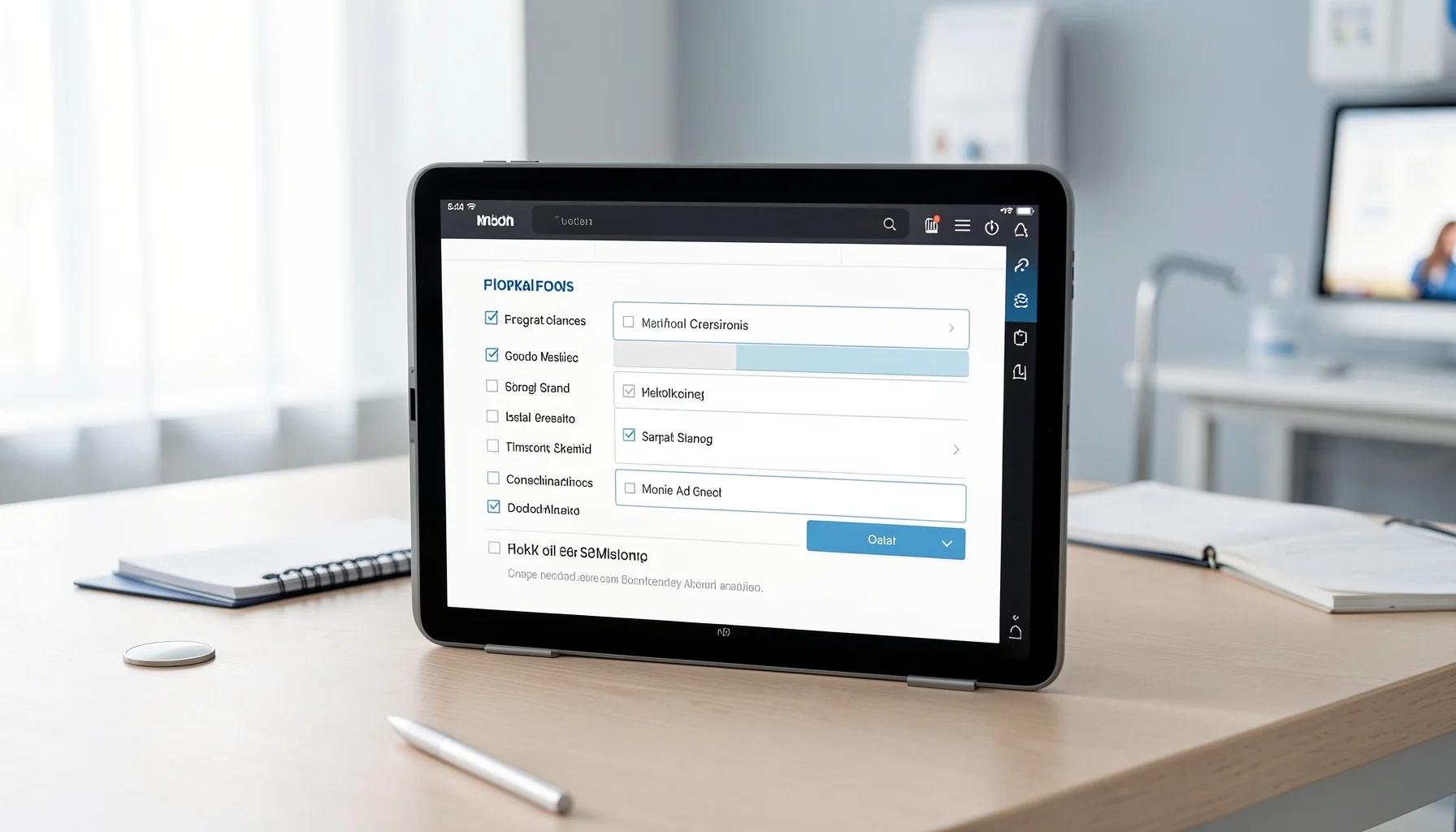
Start with the original case record. Confirm the case identity, the scans or digital impressions provided, the requested design, and any guides or supporting instructions. If the case was submitted through VNDL’s client portal, review the information sent through the “Send a Case” process rather than relying only on a later message or recollection.
Next, identify what is missing or uncertain. Is the concern about the scan, the design interpretation, the returned file, or manufacturing? Capture the issue in one sentence—for example, “The returned design does not reflect the requested restoration type”—and note the relevant area. Avoid combining unrelated concerns into one revision request.
If the case instructions were incomplete, resolve that gap before judging the design. A designer cannot reliably follow a requirement that was not communicated. For future cases, use a submission checklist and keep the team’s preferred design guide available. The step-by-step guide to sending dental cases to a lab provides additional context for preparing a clear handoff.
Step 2: Review, document, and route the issue
Compare the returned design with the original instructions and the clinical or laboratory intent. Where possible, provide an annotated image or other clear visual reference. State what should change, where the change is needed, and what outcome would resolve the concern. This gives the design team a concrete revision target.
Then verify the file handoff. Check that the expected editable design file and STL file are present, and confirm that the file being reviewed belongs to the case. If the issue arises only after the client imports or manufactures the file, investigate that local stage before requesting a redesign. The design partner can assess the design; the client must also verify its own production process.
For VNDL cases, the core workflow is account setup, case submission through the client portal, technician design based on the supplied guide, review and delivery, then client-side manufacturing using its own milling machines or 3D printers. Each step has a clear owner. A focused issue report should identify which step first produced a discrepancy and provide the evidence needed to review it.
Pitfalls, Case Examples, and 2026 Planning
The most effective troubleshooting combines specific case evidence with clear ownership at each handoff. For growing clinics and laboratories in 2026, this discipline can help manage workload and complex case types without assuming that outsourcing removes the need for clinical review or production controls.

Resolve common communication and design pitfalls
Pitfall: vague revision requests. “Please improve the crown” does not specify the problem. Identify the region, explain the intended result, and attach a visual reference where possible.
Pitfall: treating a scan issue as a design issue. If required data is missing or unclear, a design change may not solve the underlying uncertainty. Check the submitted scan and identify the affected area before requesting a revision.
Pitfall: overlooking the selected design tier. VNDL offers Standard design and LUCID premium design for high-aesthetic cases. If a case has specific aesthetic requirements, verify that the chosen service and design guide reflect them before review.
Pitfall: assuming every file is interchangeable. The editable VNDL Design file and STL file have different roles. Confirm which output is needed for review or manufacturing, and check the correct case file before escalating.
Pitfall: sending unstructured feedback on complex cases. For All-on-X or other large implant-retained cases, organize the request around the intended case outcome and the specific concern. VNDL has a specialized All-on-X design team; effective collaboration still depends on clear submitted scans and instructions.
Plan for operational resilience and changing demand
Dental laboratories may use outsourcing to manage overflow crown and bridge design, while clinics may seek help with complex implant planning or high-aesthetic cases. These are workflow choices, not a substitute for evaluating clinical requirements, design output, and manufacturing readiness. VNDL reports more than five million designed units over the past decade, and delivers editable VNDL Design files and STL files for client-side production. Those facts describe its service scope; they do not establish a universal turnaround or quality benchmark for every case.
For 2026 planning, Alex recommends measuring the workflow using a local baseline rather than adopting unsupported industry-wide percentage targets. Track practical indicators such as incomplete submissions, clarification requests, revision reasons, file-handoff issues, and cases delayed at review. Compare these measures over time and segment them by case type, because routine crown and bridge work and complex implant cases may have different information needs.
A lab experiencing seasonal demand can route suitable overflow designs to an external partner while retaining its own review and production checks. A clinic handling a complex All-on-X case can provide the required scans and design guide to the specialist team, then review the returned files before manufacturing. For broader context on outsourcing models, see this practical guide to digital dental lab outsourcing. The objective is a controlled handoff—not outsourcing accountability.
FAQ
A useful troubleshooting process starts with the evidence in the case record, distinguishes design questions from production questions, and makes the requested action explicit. These answers address common decisions teams face when reviewing digital dental design cases.
Is a dental lab troubleshooting guide a software product?
No. In this article, the term means a structured method for diagnosing problems across a digital dental case workflow. Vietnam Dental Lab is a service-based digital dental laboratory and outsourcing provider, not a software tool. Its technicians process submitted case information and return production-ready files for the client’s manufacturing workflow. Troubleshooting may involve software or equipment used by the client, but the guide itself is a way to organize investigation and communication.
What should I check first when a digital design seems incorrect?
Check the original case identity, submitted scans, restoration instructions, and design guide before requesting a change. Then compare the returned design with those inputs and describe the discrepancy precisely. If the design appears correct but the problem arises after file import or production, verify the selected file and the client’s manufacturing workflow. This sequence helps distinguish incomplete case information, design interpretation, and downstream production issues without presuming a cause.
What files does Vietnam Dental Lab return for design cases?
For the described restorative workflow, Vietnam Dental Lab delivers editable VNDL Design files and STL files intended for production. The client reviews the returned files and proceeds with manufacturing using its own milling machines or 3D printers. Confirm which file is needed for the next step and verify that the correct case file is being reviewed. The two formats have distinct roles, so one should not be assumed to replace the other in every workflow.
How should a clinic prepare a complex implant or high-aesthetic case?
Provide the relevant scans and a clear design guide, then state the case requirements and the specific points the design team should review. VNDL offers specialized All-on-X design services for large implant-retained cases and LUCID premium design for high-aesthetic cases. The clinic should confirm that the requested service and instructions match the case, review the delivered files, and retain responsibility for its own clinical assessment and manufacturing handoff.